
Service Fee
How Service Fee Works
Add a small fee to your Links, Invoices, and In-Person transactions, paid by your customer on top of the original amount.
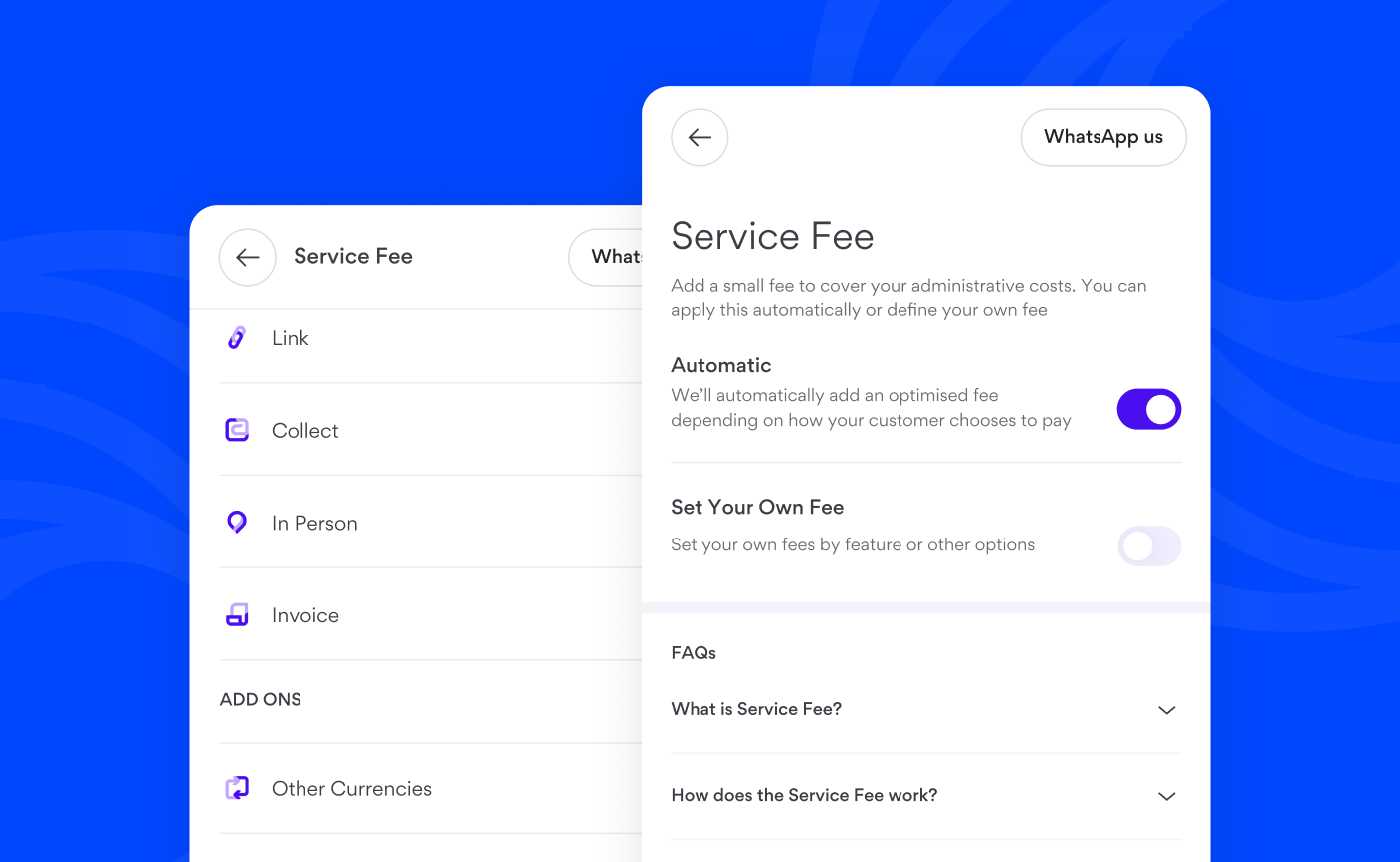
The Service Fee feature allows you to add a small fee to your Links, Invoices, and In-Person transactions, which your customers pay on top of the original amount. This helps you manage administrative expenses and other operational overheads by including them in the transaction, rather than your business absorbing them entirely.
How the Service Fee Works
The Service Fee offers two methods, giving you flexibility to choose what works best for your business:
- Automatic: The system calculates an optimised service fee for you.
- Set Your Own Fee: You define custom fees yourself.
Once enabled, the service fee is added to the transaction total and clearly shown to your customer before payment, ensuring full transparency.
Enabling the Service Fee
- Go to Settings > Money > Service fee
- You can toggle on any of the two available methods to activate the Service Fee
- Automatic: Choose this for an optimised service fee to be applied for you
- Set Your Own Fee: Choose this to define custom fees yourself
- If you select Set Your Own Fee, tap on the type, enter a Percentage or Flat fee, then Save.