
Payouts
How Payouts Work
Payouts are sent directly to your bank account. You can start receiving payouts once your account is enabled and you have set an active payout method.
Your payout speed and schedule are based on two factors:
- Your price plan
- Your Membership status
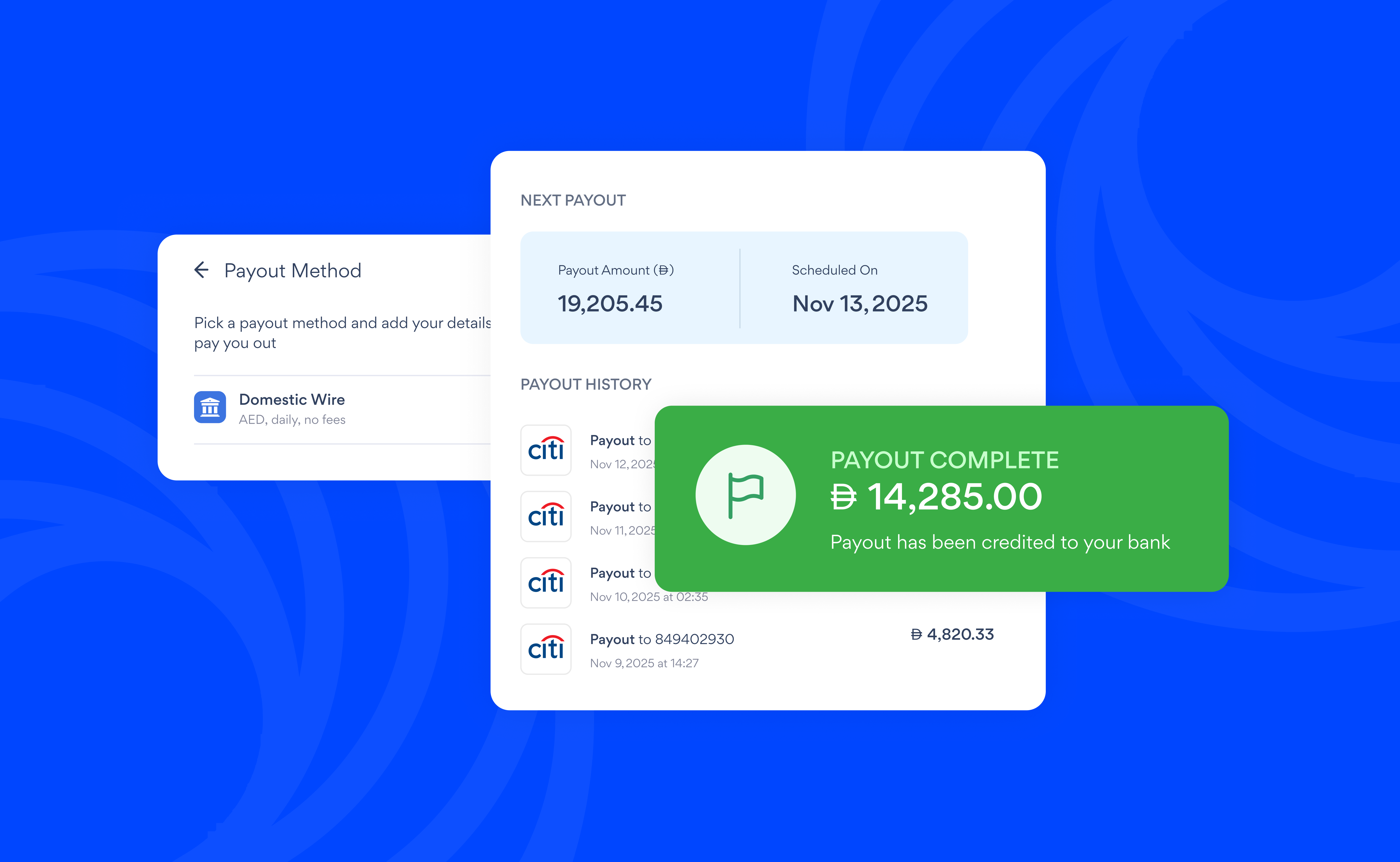
Payout Method
All payouts are made via local transfers, usually to a bank account. You can add multiple accounts, but only one can be set as your active payout method.
How to set up a payout method
- Go to Settings > Money > Payouts
- Tap Set up payout method > Add bank account
- Fill in your details exactly as they appear on your bank statement
- Tap Save to save your details.
Minimum payout
To avoid your payout being eaten up by bank fees, we apply a minimum payout threshold. This threshold depends on the currency of your account.
| Currency | Minimum payout |
|---|---|
| AED | AED 200.00 |
If your balance is below the threshold, it will roll over to your next eligible payout.
Payout currency
The currency of your payouts depends on where your business is based:
- Businesses based in the UAE are paid out in AED
Payout fees
Payouts are completely free. However, your bank may charge you a fee when funds are deposited into your account. We recommend checking with your bank directly to confirm any incoming transfer fees.