
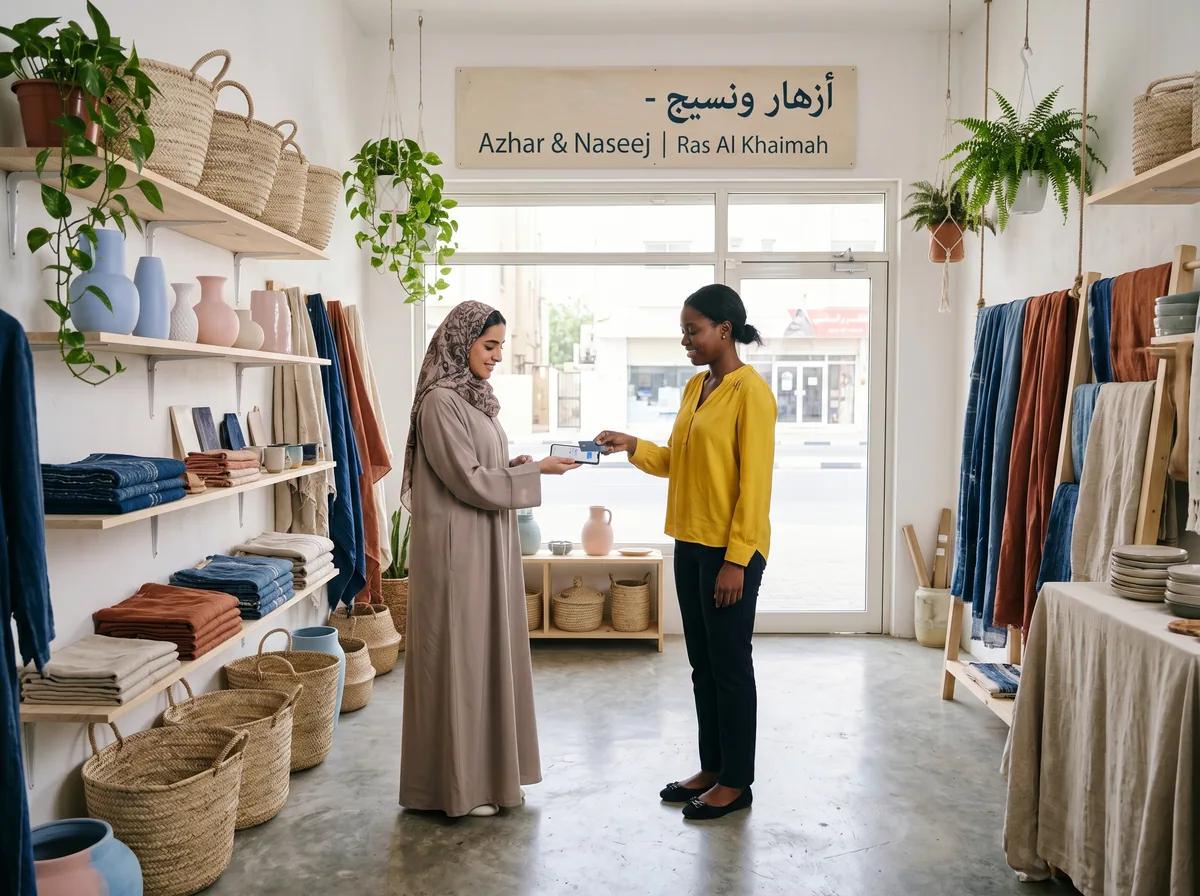
Take payments anywhere in your shop
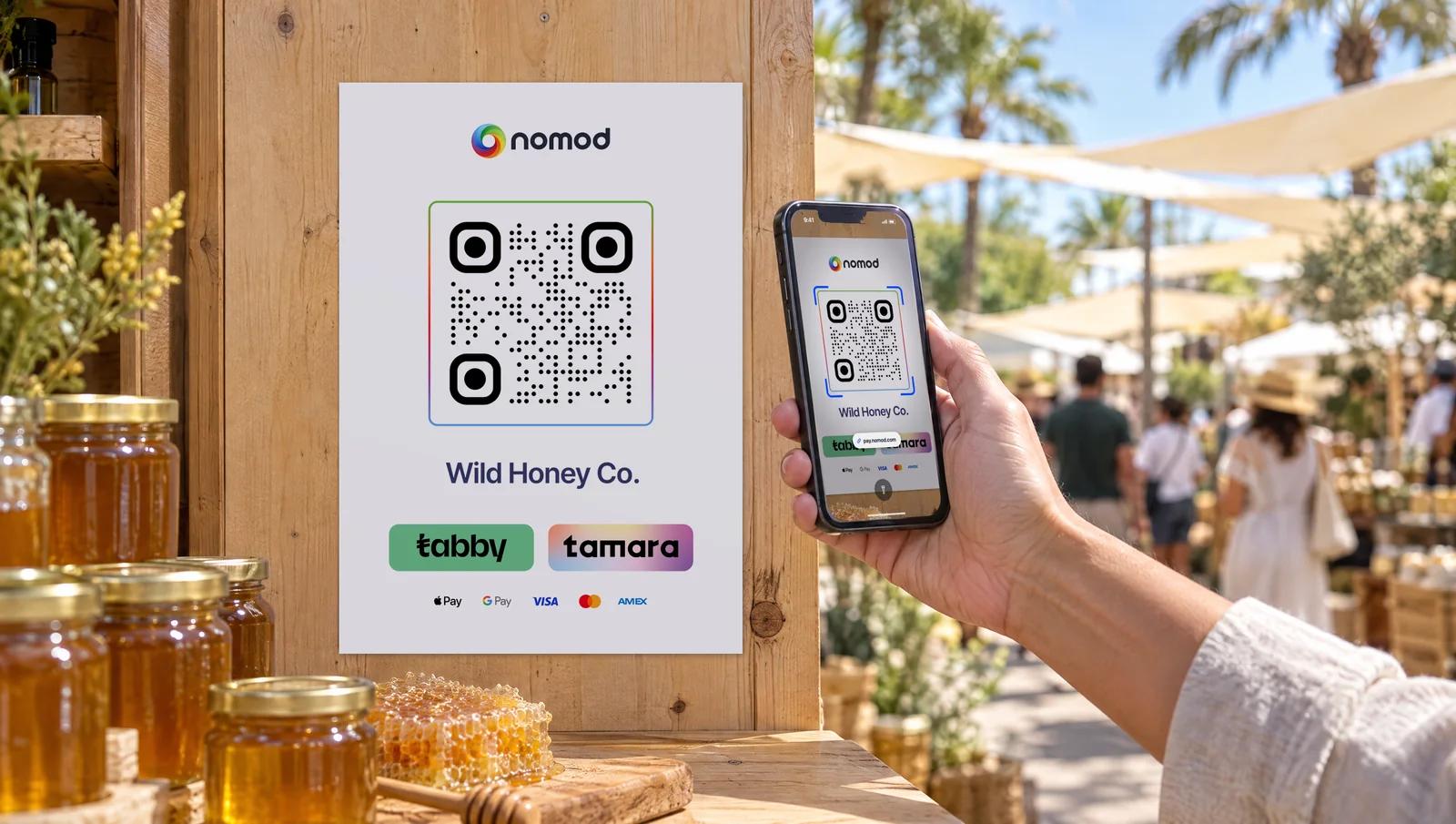
Show customers your code on your phone, and they pay right where they’re standing, in full or in instalments with Tabby or Tamara
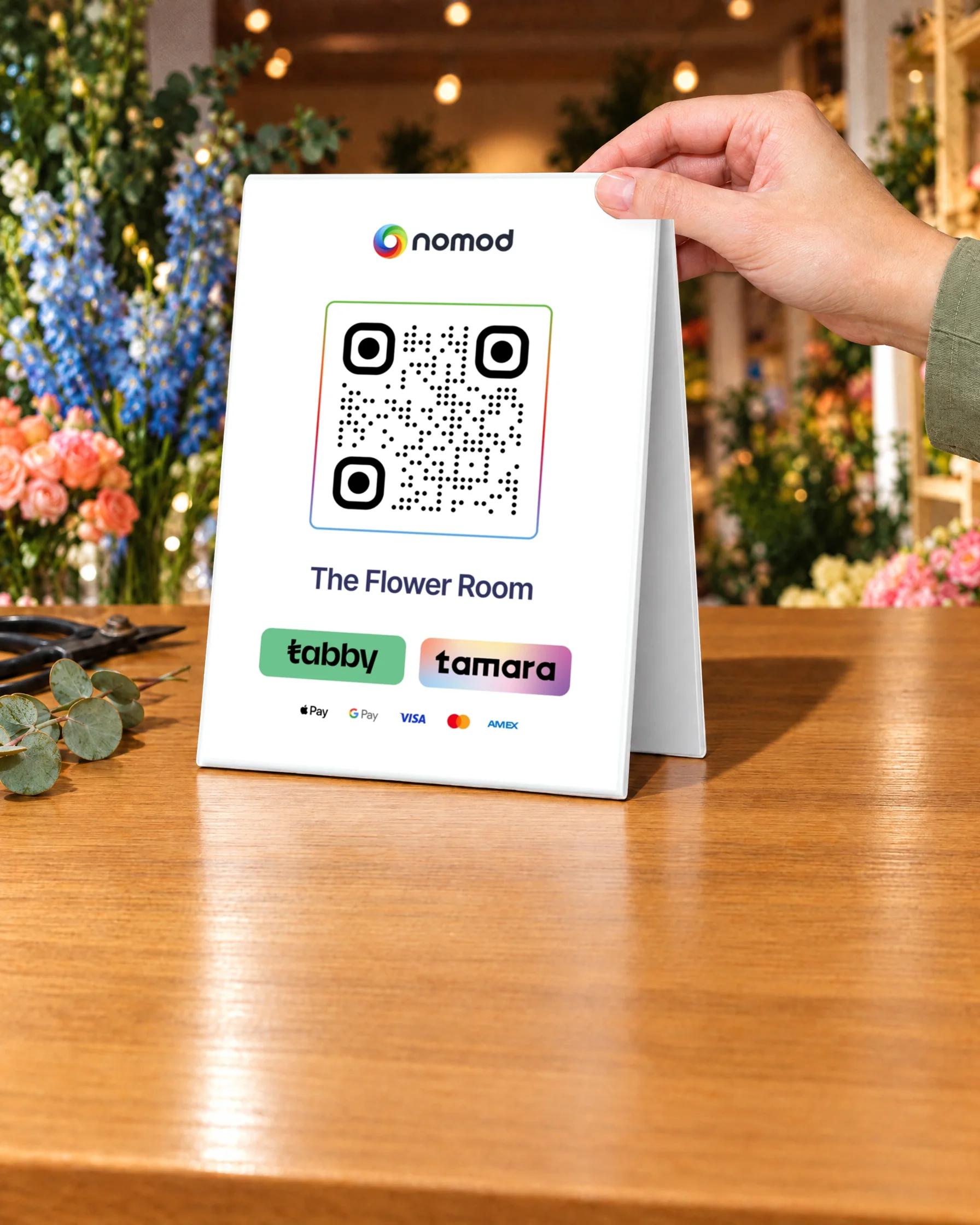
Put it on your counter or share it as a link. Customers type in the amount and pay on their own with Tabby, Tamara, Apple Pay, Google Pay or a card

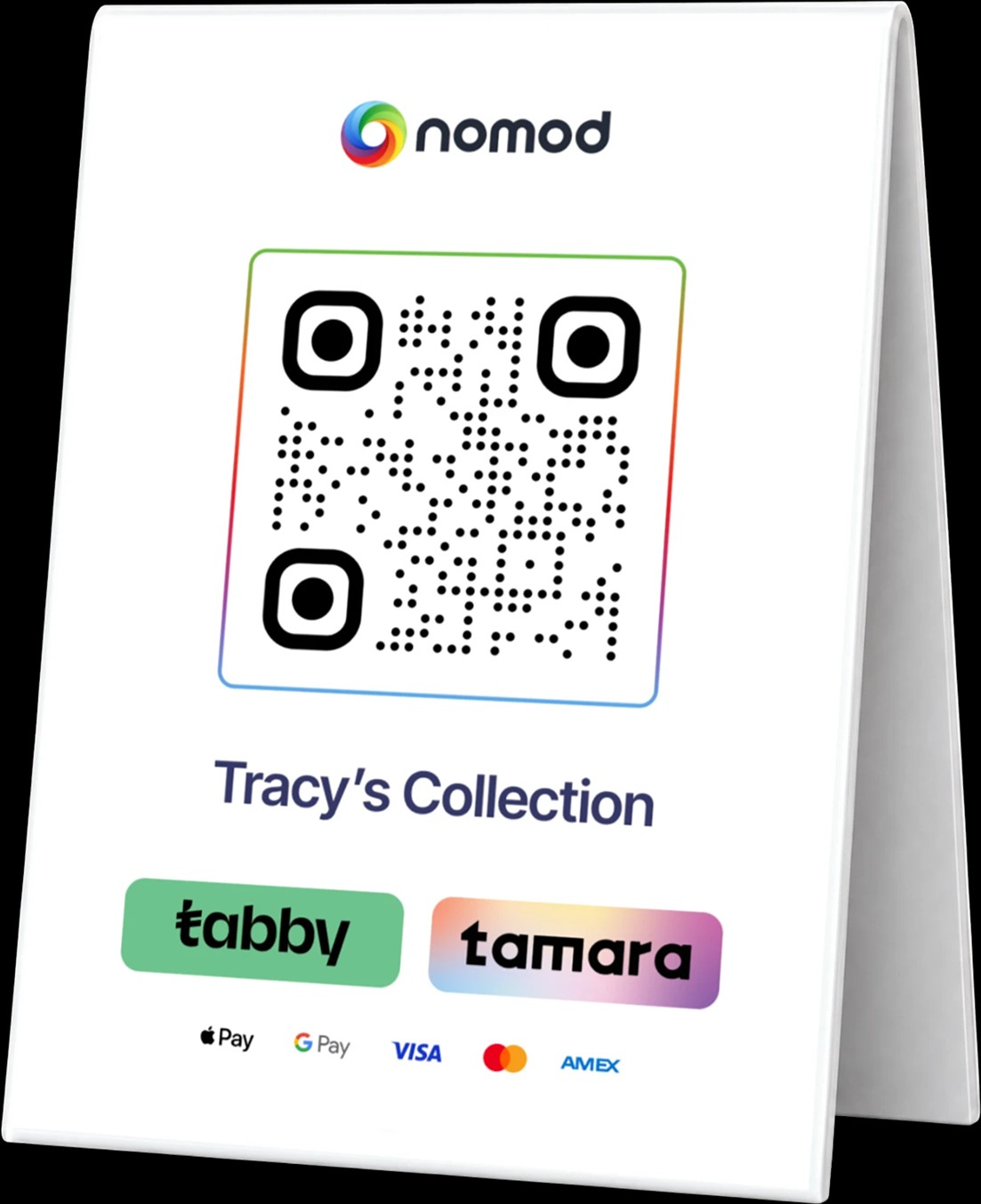
First
On the counter, on a table or shared as a link on WhatsApp, Instagram or email. It stays the same, so there’s nothing to redo for the next sale
Keep scrolling
Keep the payments for any event, service or activity apart from your everyday sales
Show customers your code on your phone, and they pay right where they’re standing, in full or in instalments with Tabby or Tamara
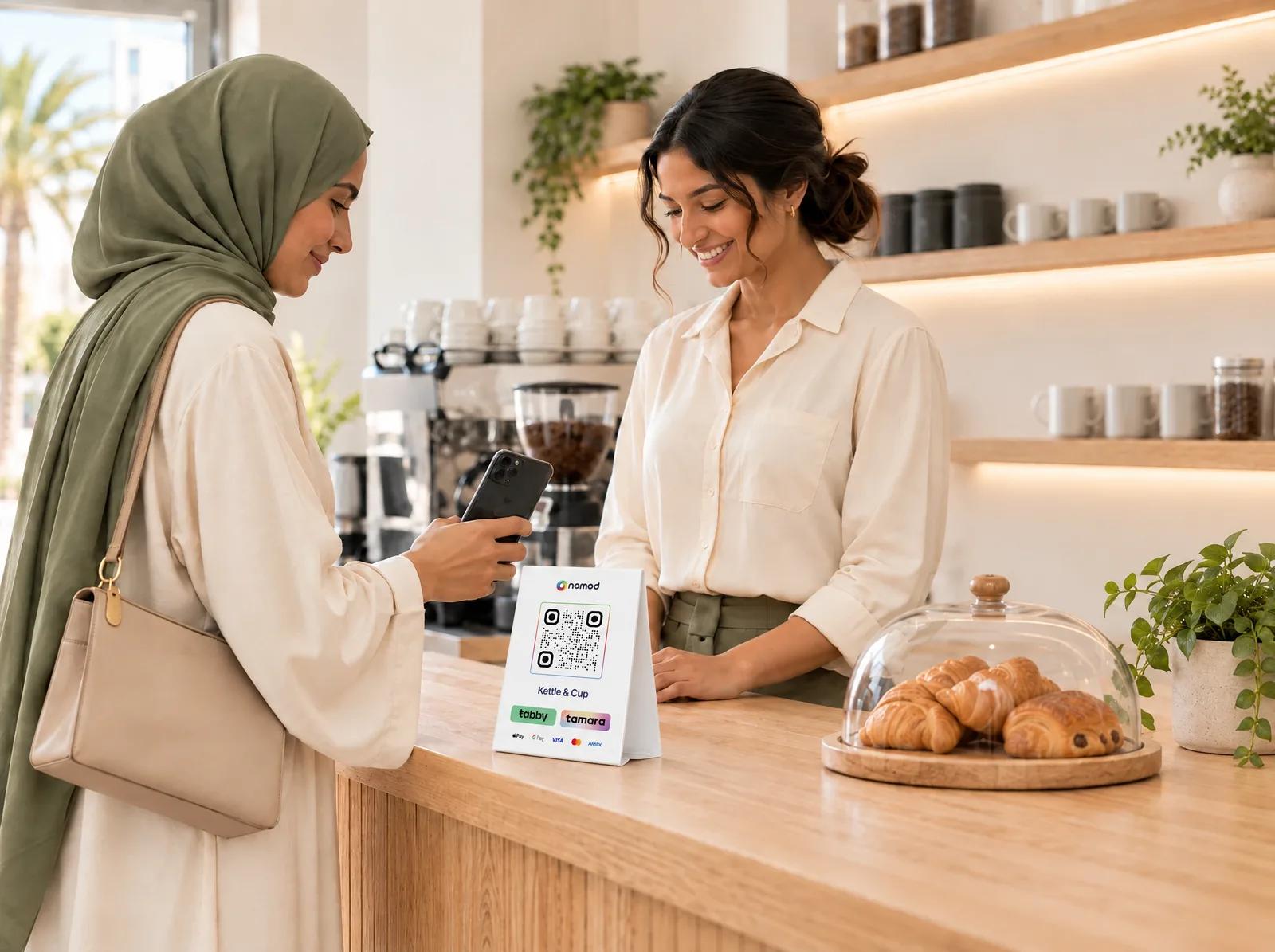
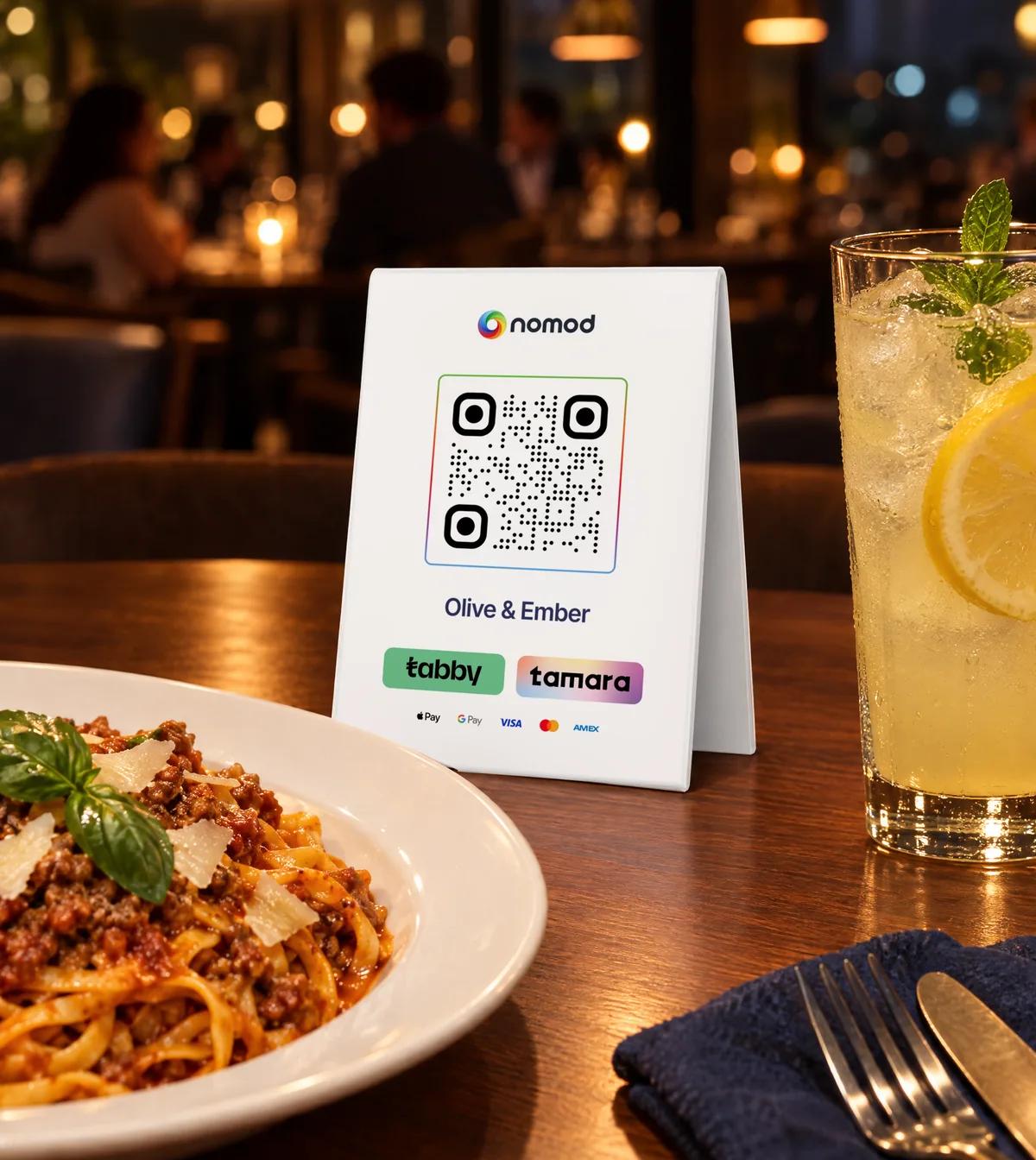
Put a stand by the till, and customers scan and pay on their own phone while you make the next order
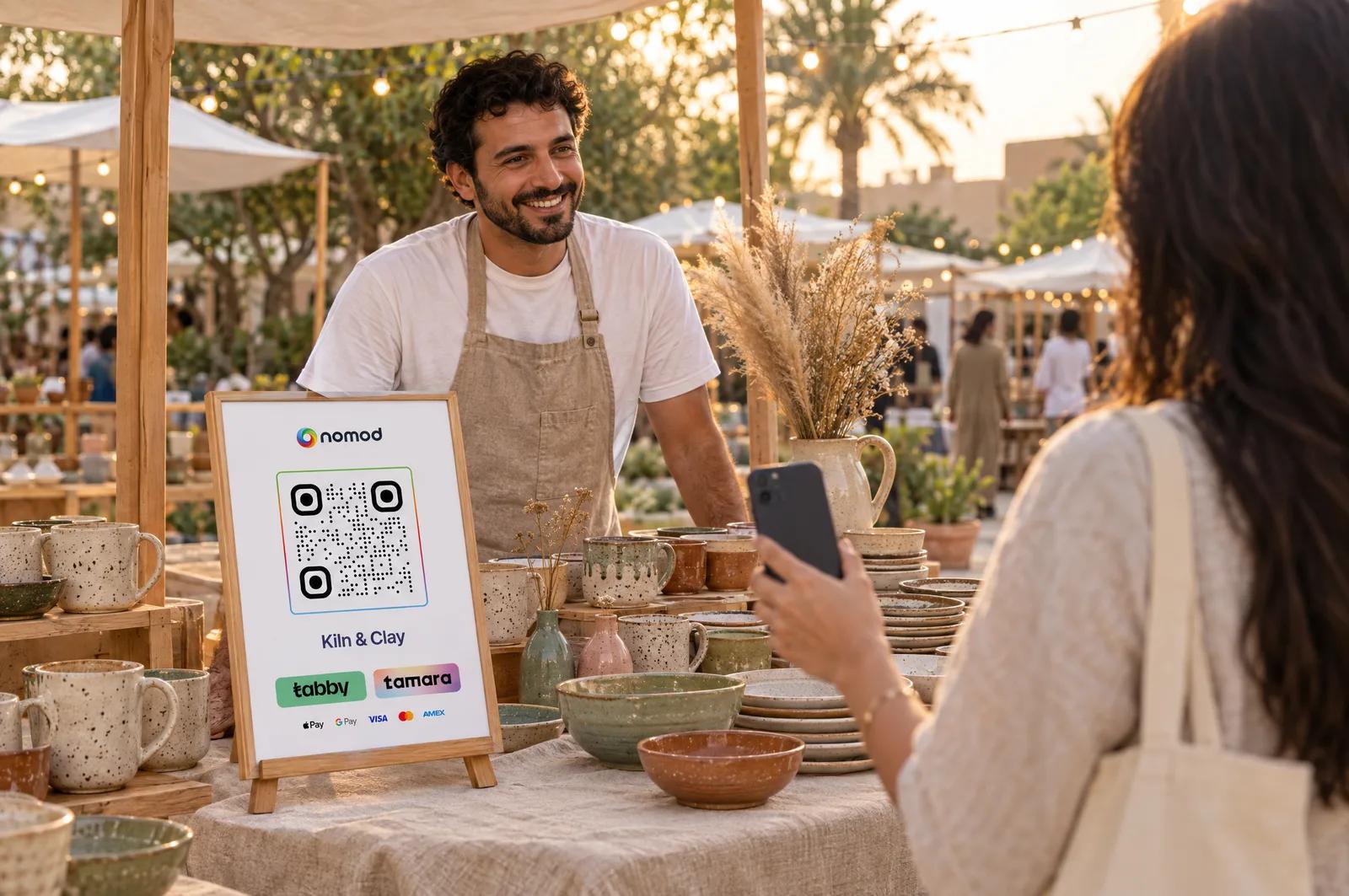
Give each pop-up, market or event its own Campaign, and see exactly what it brought in
Hear from a few of them, in their own words
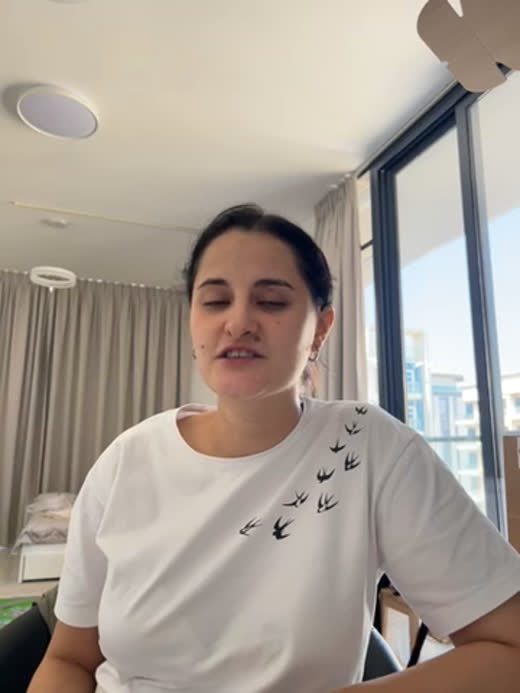
Valdislava Sahno
Lucky Baby Handicraft Works

Zain Ul Abidin
Founder, Indoor Plants UAE

Deepak Garg
Owner, Pax Holidays LLC

Abin Anto
Managing Partner, CADD International

Asif Assar Ali
Owner, Fortress Financial Services
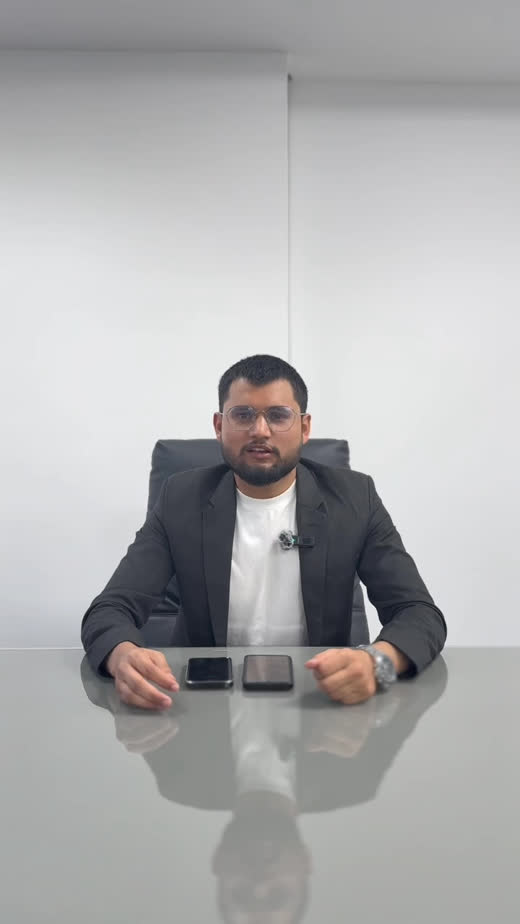
Syed Irfan
Marketing Manager, Infibiz

Rashed
Business owner
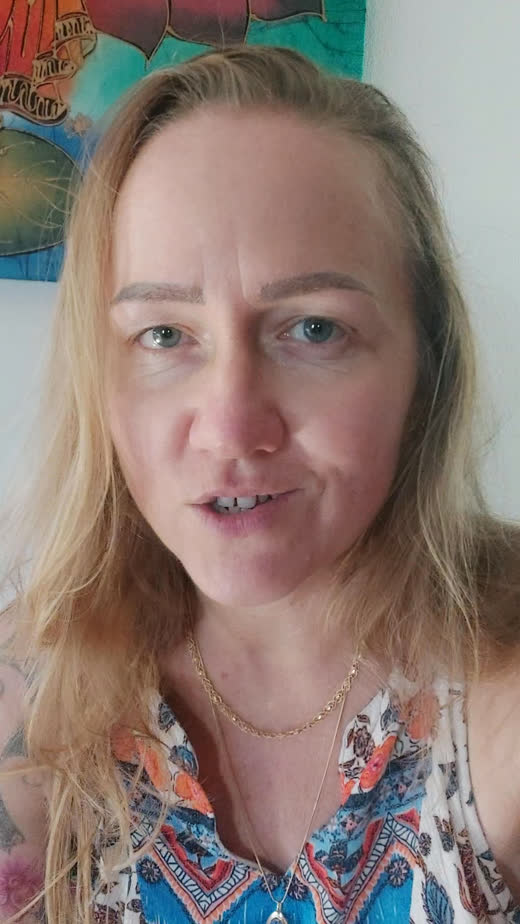
Jezabel Pegu
CEO, Knife out FZE
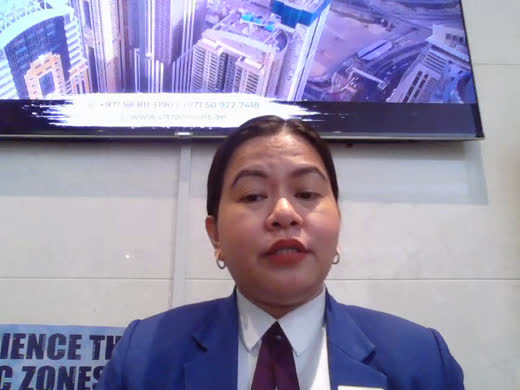
Ainee Lopez Senining
Travel Consultant, Citron Tours

Emerant Nfonguen
Managing Director

Wilfredo Comia Gonzales
Founder and CEO - Saybluegems travel and tours

Jamilul Qaiuum
Owner, Helmak Travels

Arseniy Bezrukov
General Manager, Dance For You Dubai
Radhika Singh
Founder, Livo

Mohamed Almeqbaali
CEO Of M I WAY GENEAL TRADING
All you need is a Nomod account