
Payment Methods
Apple Pay
Accept contactless payments from customers using Apple Pay on iPhone, iPad, Apple Watch, and Mac.
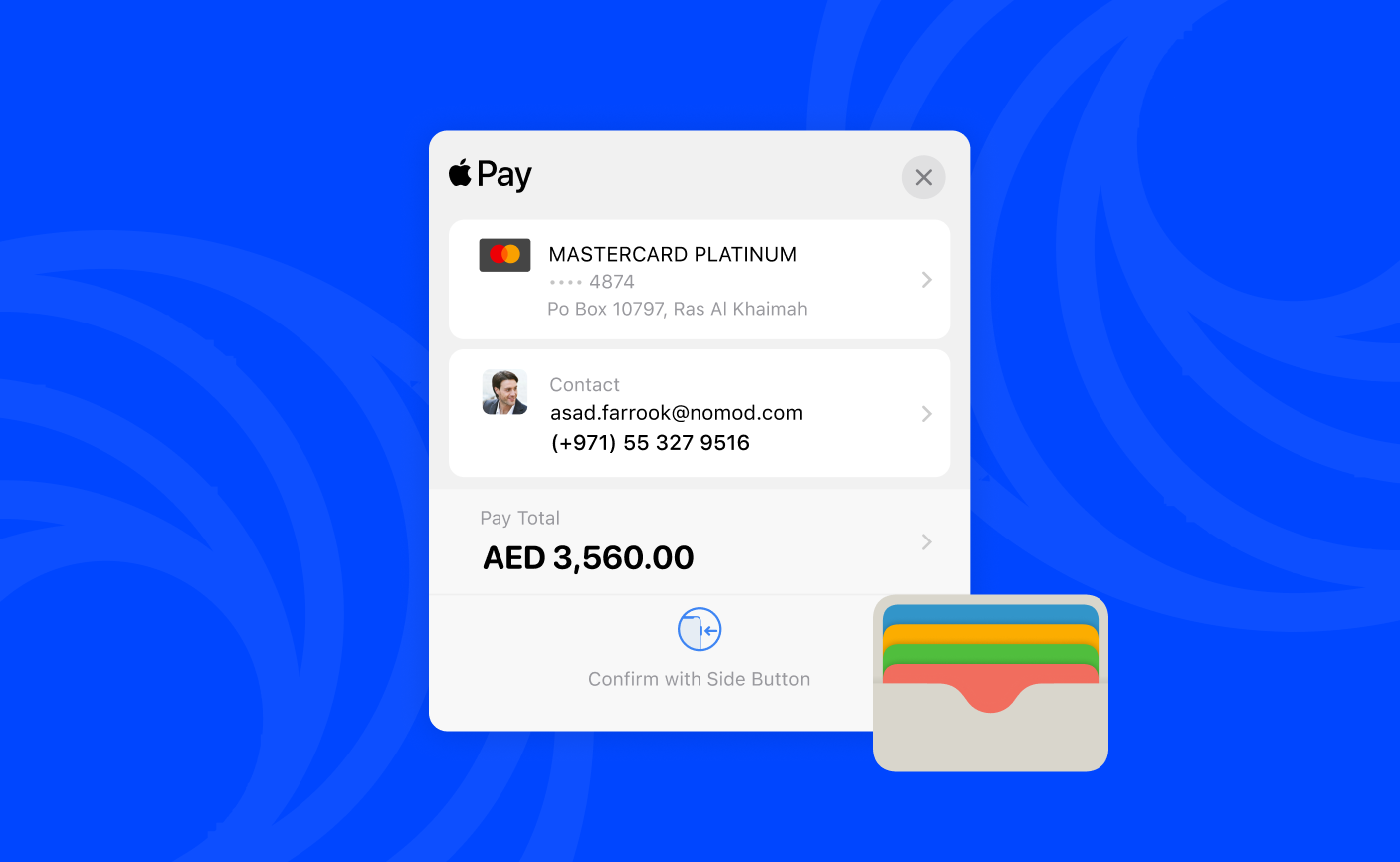
Apple Pay is a digital wallet that lets customers pay using a card saved on their Apple device. Customers authenticate with Face ID, Touch ID, or their device passcode. No card details are entered manually, and the payment processes instantly.
Device requirements
Apple Pay works out of the box on Nomod with no additional setup required on your end. For a customer to pay with Apple Pay, they need:
- An Apple device with Face ID, Touch ID, or a passcode enabled
- At least one card added to their Apple Wallet
- iOS 11 or later (iPhone), watchOS 3 or later (Apple Watch), or macOS Sierra or later (Mac)
How Apple Pay works at checkout
When your customer selects Apple Pay, their device handles authentication and passes a one-time encrypted token to Nomod. No card details are shared with you or stored by Nomod.
- Your customer selects Apple Pay at checkout and sees a payment sheet on their device showing the card on file and the total amount
- Your customer authenticates using Face ID, Touch ID, or their device passcode
- Apple passes a one-time encrypted token to Nomod
- Nomod processes the payment, marks the transaction complete, and the funds settle in your account balance minus fees
Supported cards
Apple Pay works with any card that your customer's bank supports for use in Apple Wallet. This includes Visa, Mastercard, and Amex. Customers can check whether their bank supports Apple Pay in the Apple Wallet app.
Troubleshooting
Apple Pay is not appearing at checkout: Confirm your customer is using a supported Apple device running iOS 11 or later.
A payment was declined: Apple Pay declines are handled by your customer's bank, not by Apple or Nomod. Ask your customer to check that their card is active and that their bank supports it for use with Apple Pay. If the issue persists, they should select a different payment method or contact their bank directly.
Authentication is not working: Ask your customer to check that Face ID or Touch ID is set up on their device. They can also authenticate using their device passcode.
A refund has not been received: Refund processing time depends on your customer's card issuer. If your customer has not received their refund after seven business days, contact our support team.