
Payment Methods
Tabby
Accept buy now, pay later payments from customers across the UAE using Tabby.
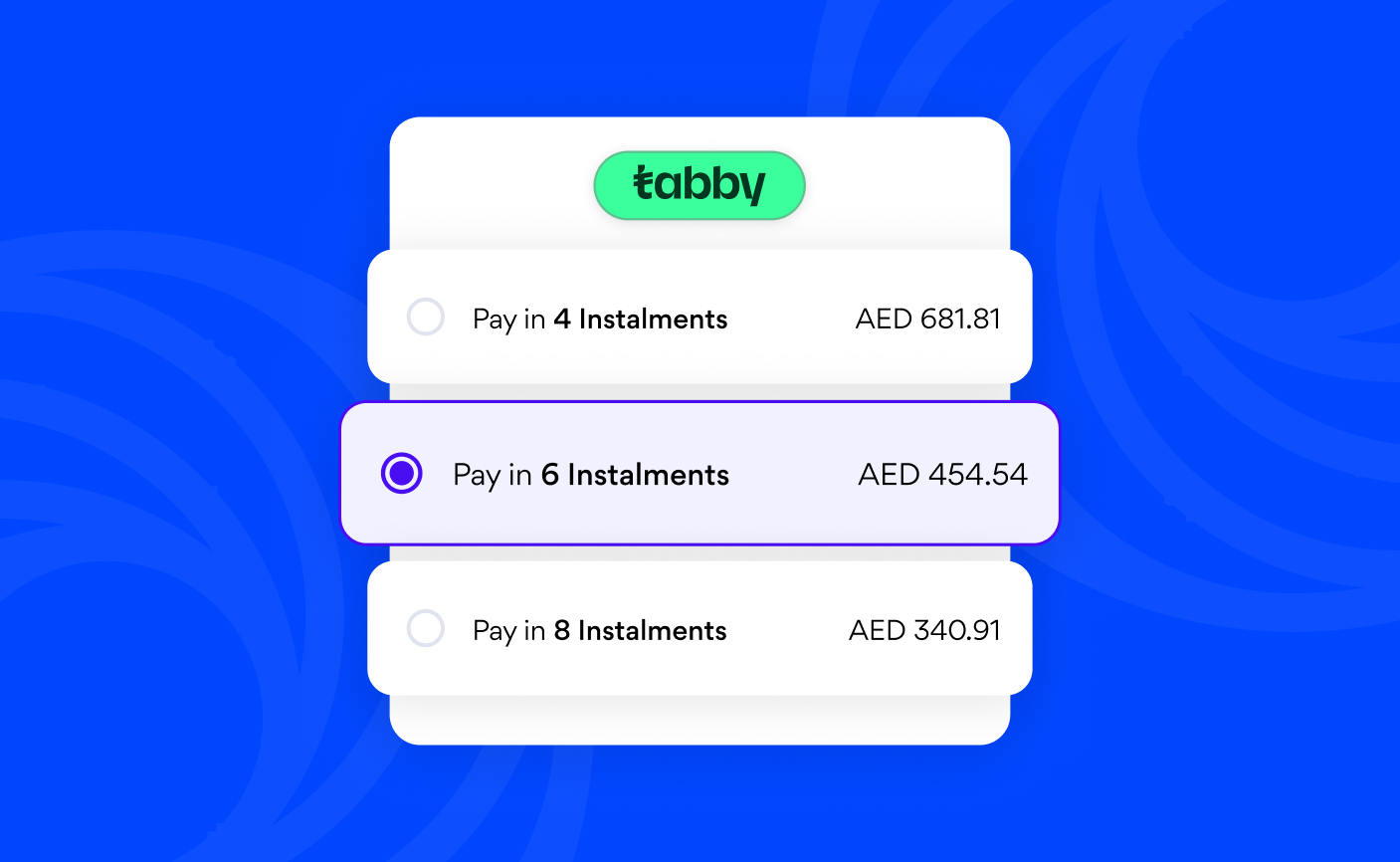
Tabby is a buy now, pay later service that lets customers split purchases into four interest-free instalments. Your customers pay the first instalment at checkout, and Tabby collects the remaining payments directly. You receive the full transaction amount upfront.
Before you use Tabby
To accept Tabby on Nomod, your account must meet the following requirements:
- Supported currencies: AED
- Minimum transaction value: AED 10
- Maximum transaction value: AED 10,000
- Account status: Enabled
How to enable Tabby
Tabby must be enabled for each feature in your Payment Method settings before it appears as a payment option at checkout.
- Go to Settings > Money > Payment methods
- Tap the feature you want to enable Tabby for
- Toggle Tabby on
How checkout with Tabby works
When your customer selects Tabby, Nomod hands off to Tabby's verification flow and receives payment confirmation before marking the transaction complete.
- Your customer selects Tabby at checkout and is redirected to the Tabby app or web flow, where they verify their identity and choose their instalment plan
- Tabby approves or declines the transaction based on their eligibility
- If approved, your customer pays their first instalment and is returned to your checkout confirmation
- Nomod marks the transaction complete and you receive the full amount, minus the processing fee
Troubleshooting
Tabby is not appearing at checkout: Make sure Tabby is enabled for the relevant feature in Settings > Money > Payment methods. If Tabby is enabled but still not appearing, contact our support team to confirm your account is eligible.
A transaction was declined: Tabby assesses your customer's eligibility based on their purchase history, transaction amount, and other factors. Ask your customer to try again or select a different payment method.