
Integrations
Popular use cases with Nomod and Zapier
Learn about what’s possible when you connect Nomod with the apps you already use. Think faster payments, zero manual work, and workflows that run on autopilot. Here’s how businesses are using this integration to save hours and scale smarter.
From bookings to instant payments
Whenever a new appointment is scheduled in your calendar or booking platform, you can automatically generate a payment link and send it immediately to the client who made the booking.
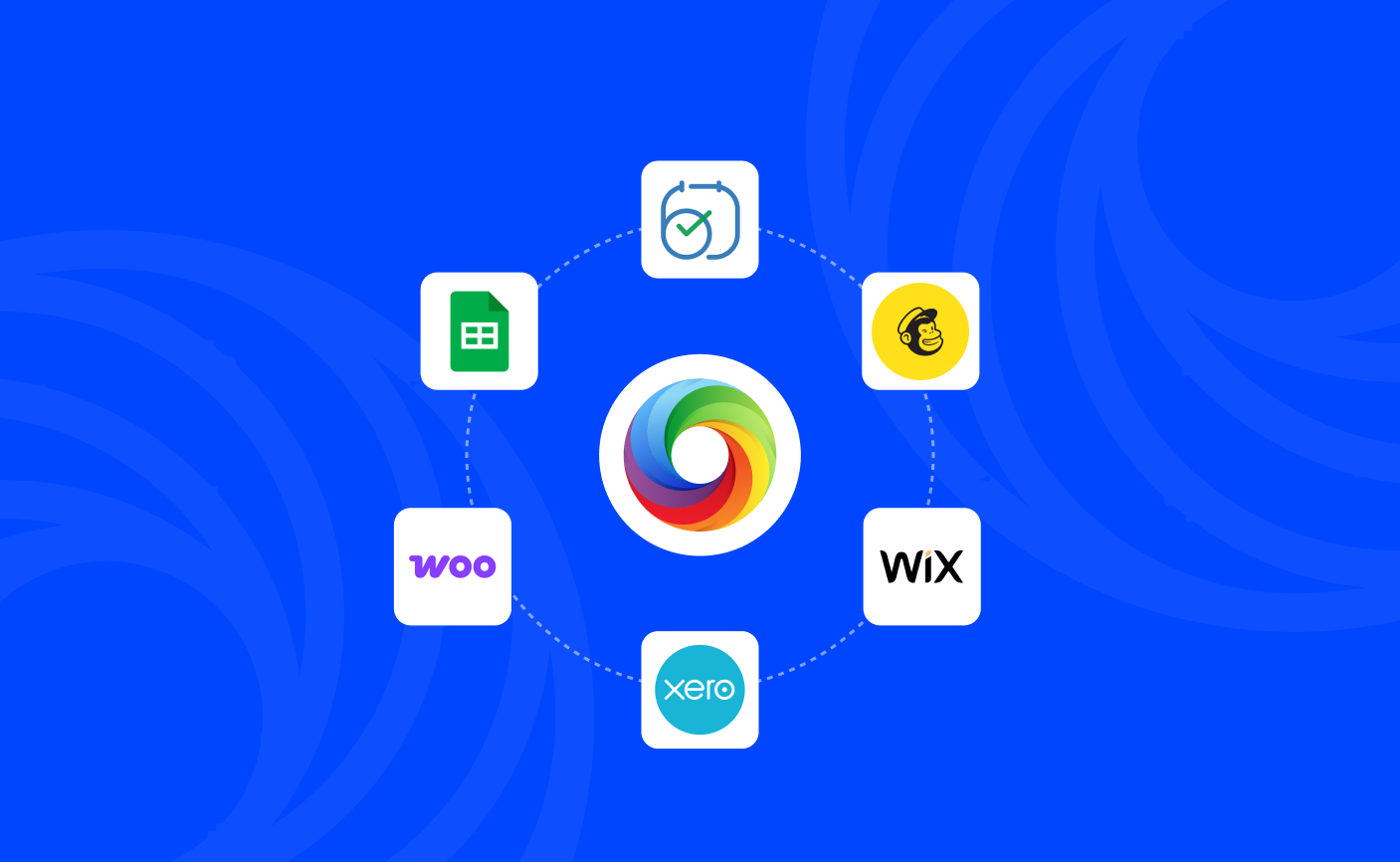
Try this out by setting up a Zap that creates a payment link when a new appointment is booked through your Zoho Bookings platform.
Never lose a sale to abandoned carts
When a customer abandons their cart on your ecommerce store, you can trigger a follow-up email that nudges them to continue shopping and also includes a direct payment link for them to complete their checkout.
Try this out by automatically sending an email reminder containing a payment link for an abandoned cart in your WooCommerce store.
Your website orders can become instant invoices
When you get a new order or booking on your website, you can set up a Zap that is triggered after every order to instantly create a professional invoice and sent to the customer from your Nomod account.
Try this out by creating an invoice in Nomod for every order that is placed on your Wix website.
Track every sale and payment activity in real time
You can do more with your payment reports by recording them on any accounting tool that is most familiar to your team. With Zapier, you can send every order, payment, or refund from Nomod directly into your accounting tool, so reconciliation stays accurate and stress-free.
Try this out by syncing all orders and payments from Nomod to your Xero account for accurate bookkeeping.
Seamlessly log your financial activity in a spreadsheet
If you prefer to have a record of all your payouts, you can use Zapier to immediately send your payout information to any spreadsheet app you prefer for easy tracking, reporting, and analysis.
Try this out by logging all your payout information into a Google Sheets file.
Grow your audience with every sale
You can create a relationship with any customer who pays you by automatically adding them to your email marketing or CRM platform with one Zap. By sending them periodic emails, you can build great customer relationships and take them from one-time to loyal customers.
Try this out by adding a new customer to Mailchimp whenever an Invoice gets paid.
Get instant alerts for team updates
You can simplify updates on your team's chat app whenever a new team member joins. Simply set up a Zap to send real-time notifications in your team chat app for important events, like a new team member joining or a high-value payment being received.
Try this out by automatically sending a message to group chats on Slack whenever someone new joins your team.
Follow up on failed payments automatically
When a payment fails due to insufficient funds, card issues, or network errors, you can trigger an immediate follow-up with the customer. With one Zap, you can automatically notify them that their payment didn’t go through and resend a new Link or Invoice.
Try this out by sending a WhatsApp message containing a new Link to the customer whenever a payment fails.