Authorising a Charge
Authorising charges allows you to hold funds from a customer's card without collecting them immediately. This feature is only available for the Card Form method. At a later time, you can choose to capture or cancel the payment depending on your business needs.
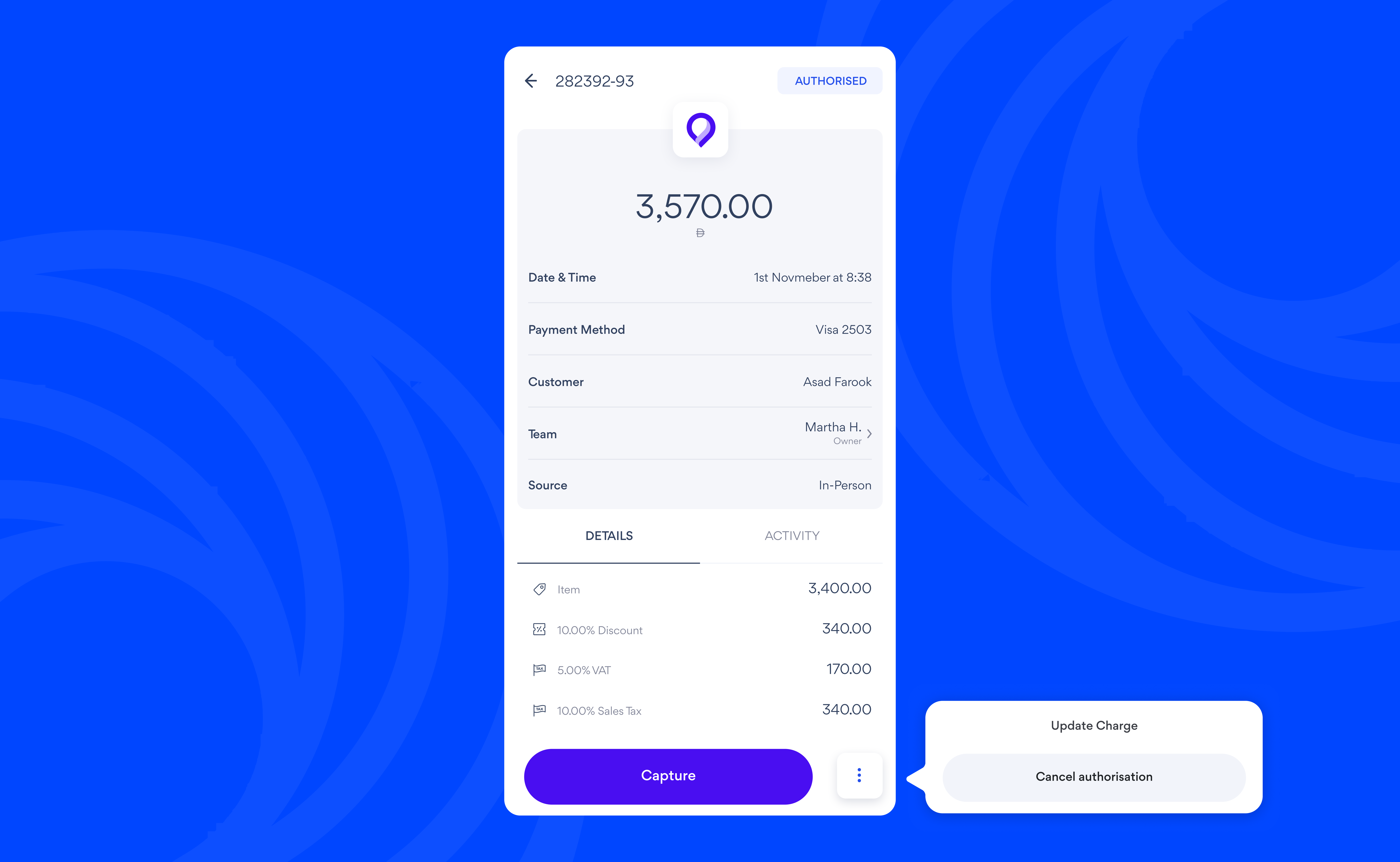
To manage authorised charges:
-
Go to Activities and select the charge
-
Tap Capture to collect the payment
-
To cancel the payment, tap ⠇ and select Cancel
note
Authorised payments are only held for up to 7 days. If the authorised payment is not captured within that time, the funds will be released automatically.