
Supplies Hub
Supplies Hub
Supplies Hub is where you order terminals and free signage for your business. Choose a terminal for card payments at your counter, or signage that shows customers how to pay.
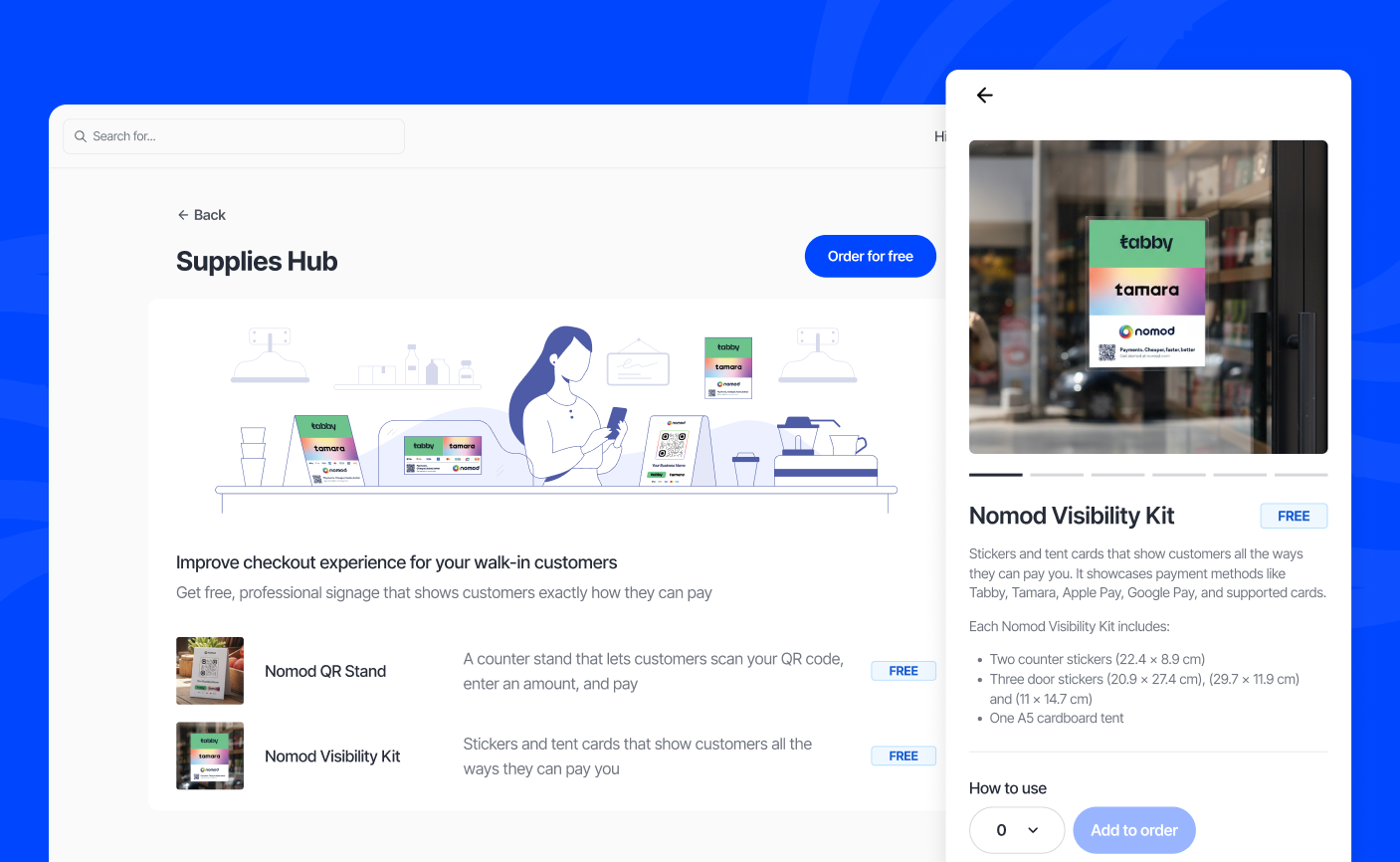
What you can order
You can order up to 20 terminals and up to 10 of each free item per order. You can include a terminal and signage in the same order.
| Item | Price |
|---|---|
| Terminal Duo | Paid. The price and VAT are shown before you confirm |
| QR Code Stand | Free |
| Visibility Kit | Free |
Terminal Duo
Terminal Duo is a handheld card machine for taking payments in person. Review the price and payment options shown for your account before you order.
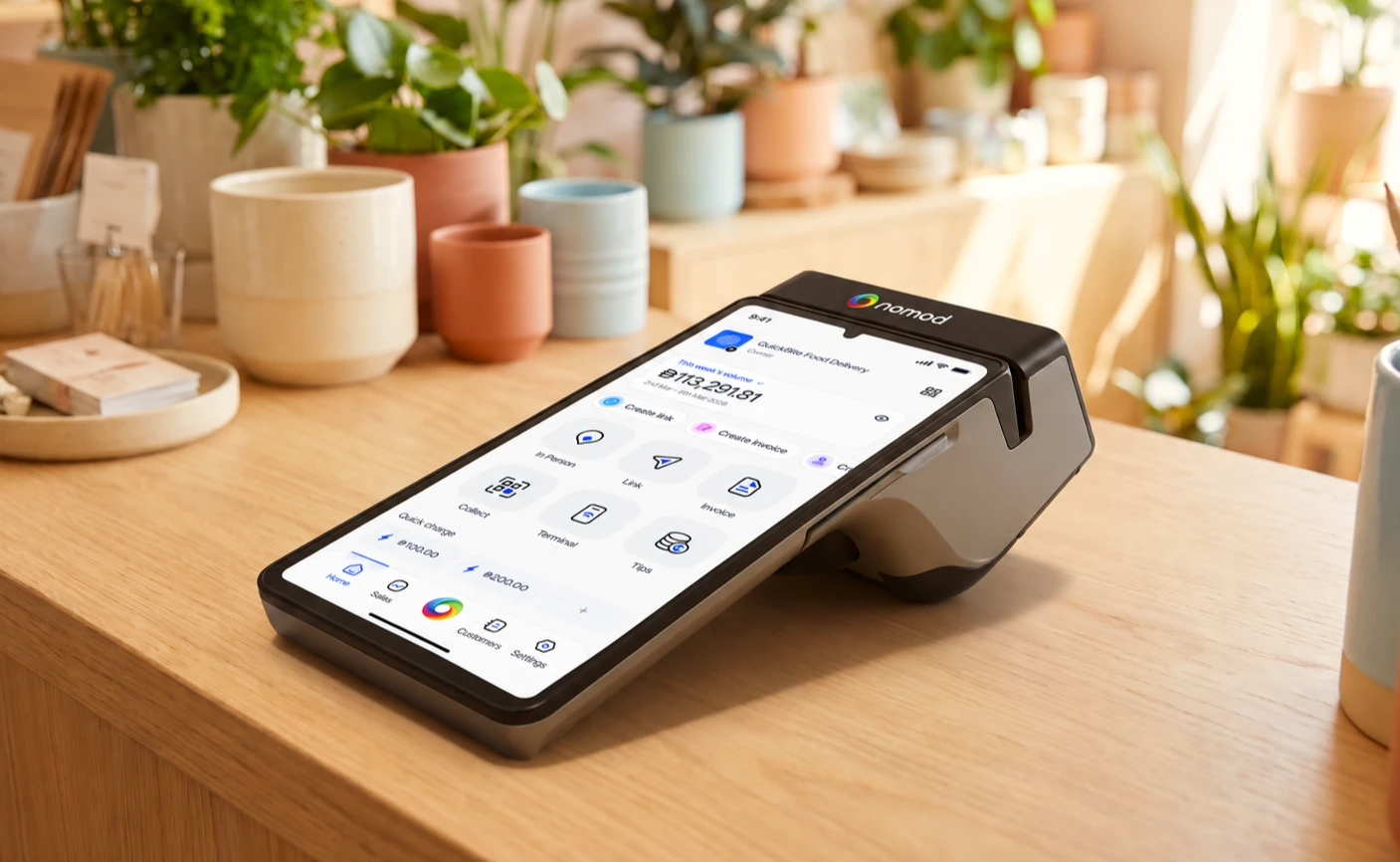
Learn how to order a terminal. To see everything you can do with it, go to the Terminal overview.
QR Code Stand
The QR Code Stand is an A5 acrylic counter stand. It lets customers scan your QR code, enter an amount and pay. The QR code opens a payment page for your business through Collect.
The stand displays your business name, Collect QR code and payment methods.
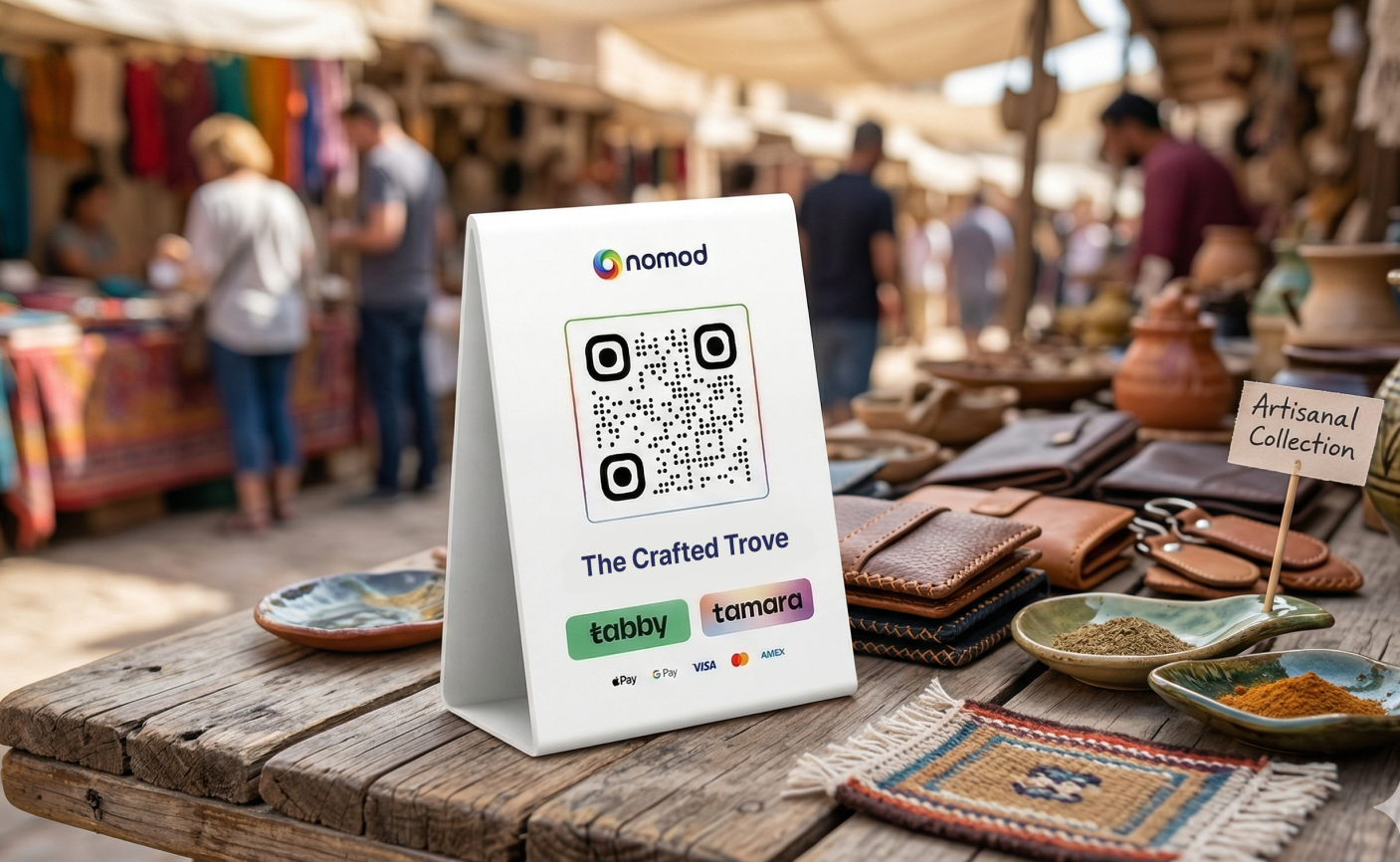
Learn how to use the QR Code Stand.
Visibility Kit
The Visibility Kit contains stickers and a tent card that show customers the payment methods you accept.
Each kit includes:
- Two counter stickers (22.4 x 8.9 cm)
- Three door stickers (20.9 x 27.4 cm, 29.7 x 11.9 cm and 11 x 14.7 cm)
- One A5 cardboard tent
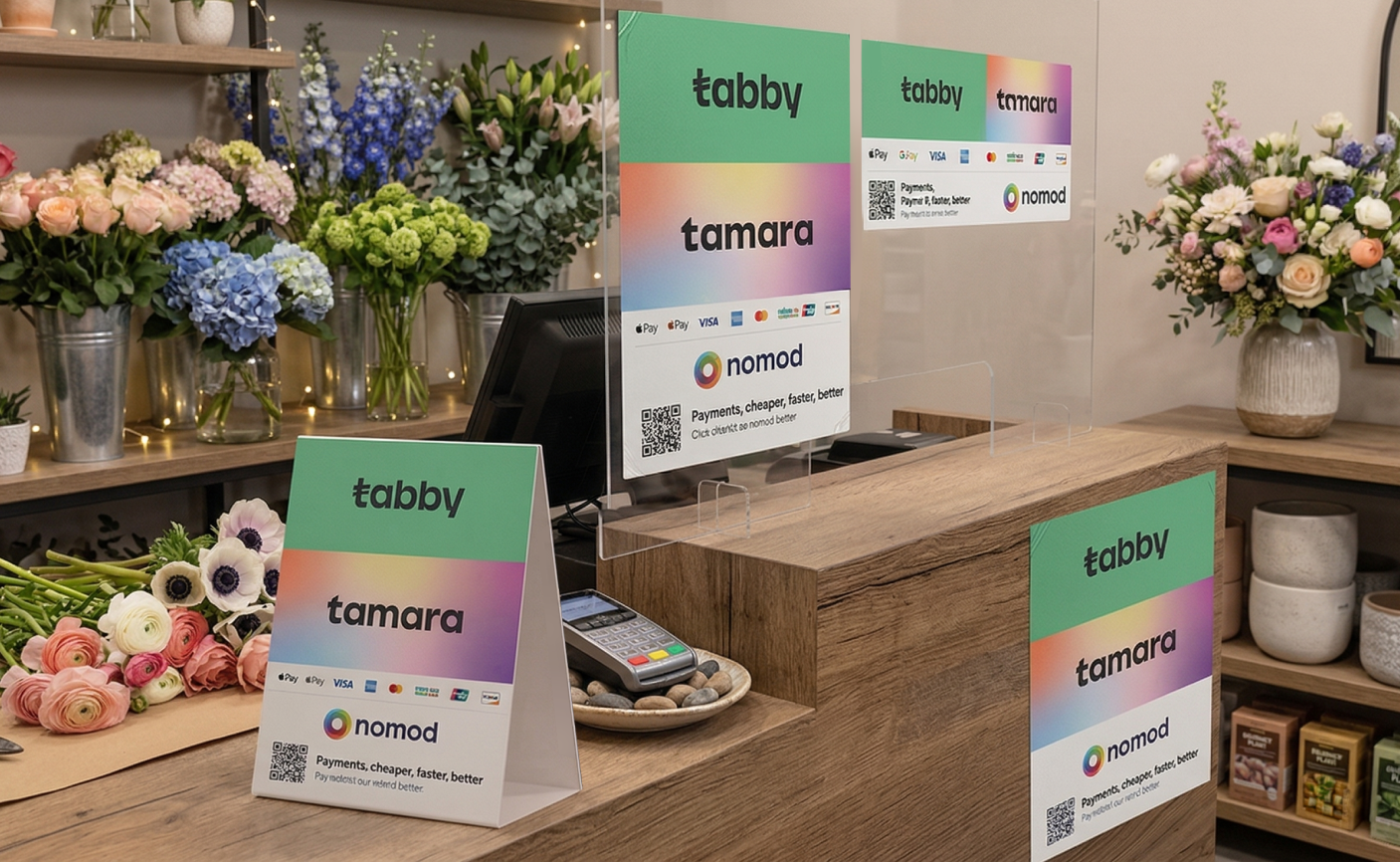
Learn how to use the Visibility Kit.
How to place an order
- Open Settings > Tools & customisations > Supplies Hub
- Tap Place an order
- Choose your items and quantities
- Check your delivery details
- For free signage, tap Submit order. If your order includes a terminal, tap Continue to choose how to pay
You can also open an item's page, choose a quantity and tap Add to order. Review your items and delivery details before submitting or paying.
If you're on an older price plan, pick one of the new plans and switch to it before you order a terminal. Your account moves to the new plan straight away, even if you don't finish your order.