
Terminal
Terminal
Terminal lets you take payments in person on a Nomod card machine. Customers can tap, insert or swipe their card, pay with Apple Pay or Google Pay, or scan a QR code. It connects to your existing Nomod account, so your Catalogue, customers and payment settings are available when you make a sale.
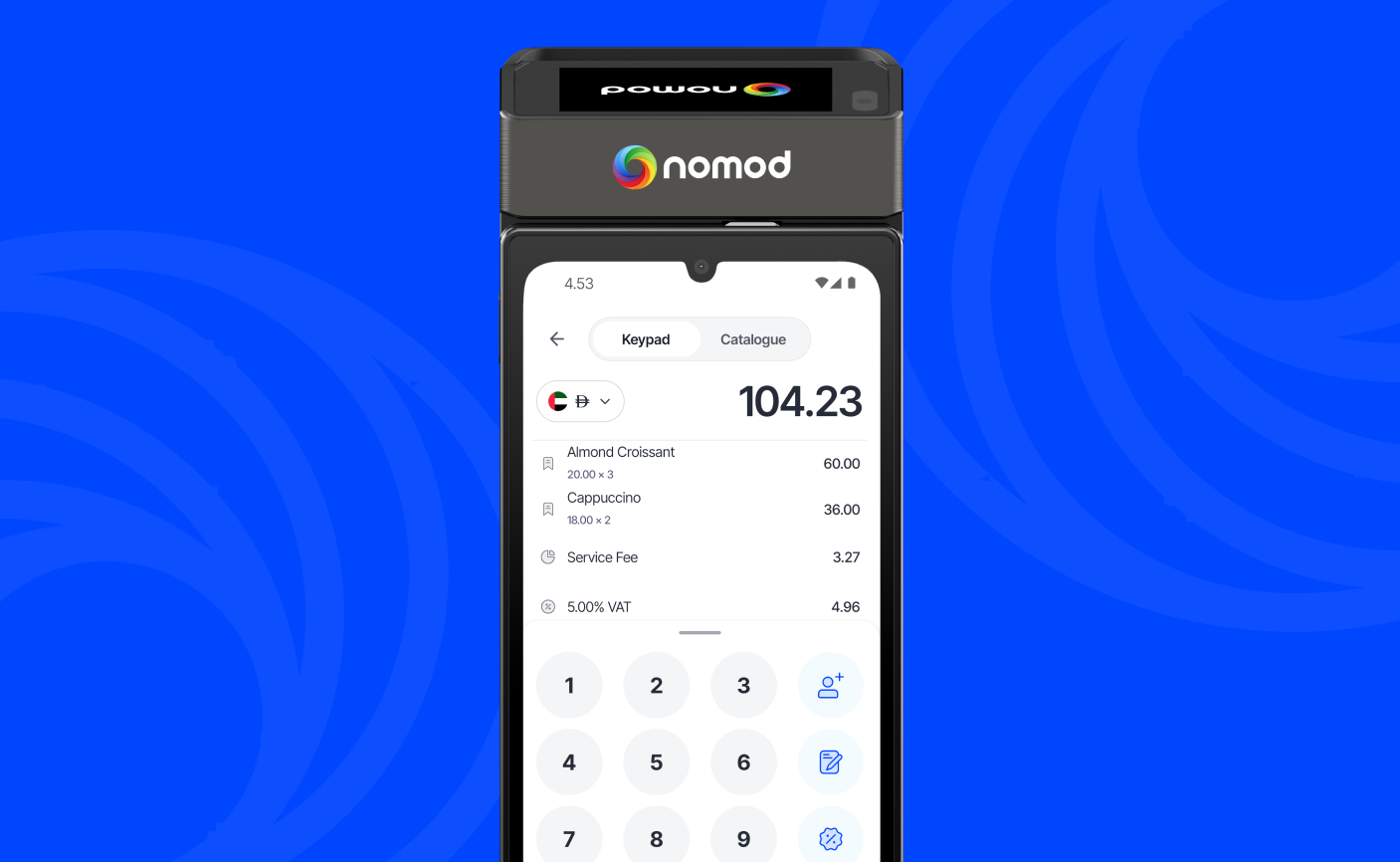
What you can do with Terminal
- Take card, Apple Pay, Google Pay, Tabby, Tamara and QR code payments at the counter
- Add items from your Catalogue and attach a customer to a sale
- Apply discounts, taxes and a Service Fee, and collect tips
- Create Links, Invoices and Collect payments for your customer to pay by scanning a QR code
- Email a receipt to your customer, or print one for them or for your records
- Refund a payment in full or in part
- Use multiple terminals, rename them and see the sales taken on each one
What you can do depends on your role in your Team.
Ways your customers can pay
| Payment method | How your customer pays |
|---|---|
| Card | Taps, inserts or swipes their card. Terminal accepts Visa, Mastercard, UnionPay, JCB, Diners Club, Discover, Jaywan and RuPay cards. |
| Apple Pay and Google Pay | Taps their phone or smartwatch on your terminal. See Apple Pay and Google Pay. |
| Tabby and Tamara | Scans a QR code and pays on their phone. Available for eligible accounts and amounts. See Tabby and Tamara. |
| QR code | Scans a QR code and pays on their phone. |
How Terminal payments work
Terminal payments are In-Person payments in Nomod. This means any Service Fee you've set for In-Person payments also applies when you take a payment on Terminal.
Your Terminal payments, refunds and other sales activity are available in your Nomod account, just like your other payments.
Get started
- Order a terminal from Supplies Hub, in the Nomod App or on your Dashboard. Delivery is free
- When it arrives, follow the steps in Setting up your terminal
If you have any questions or need help getting a terminal for your business, contact us.